
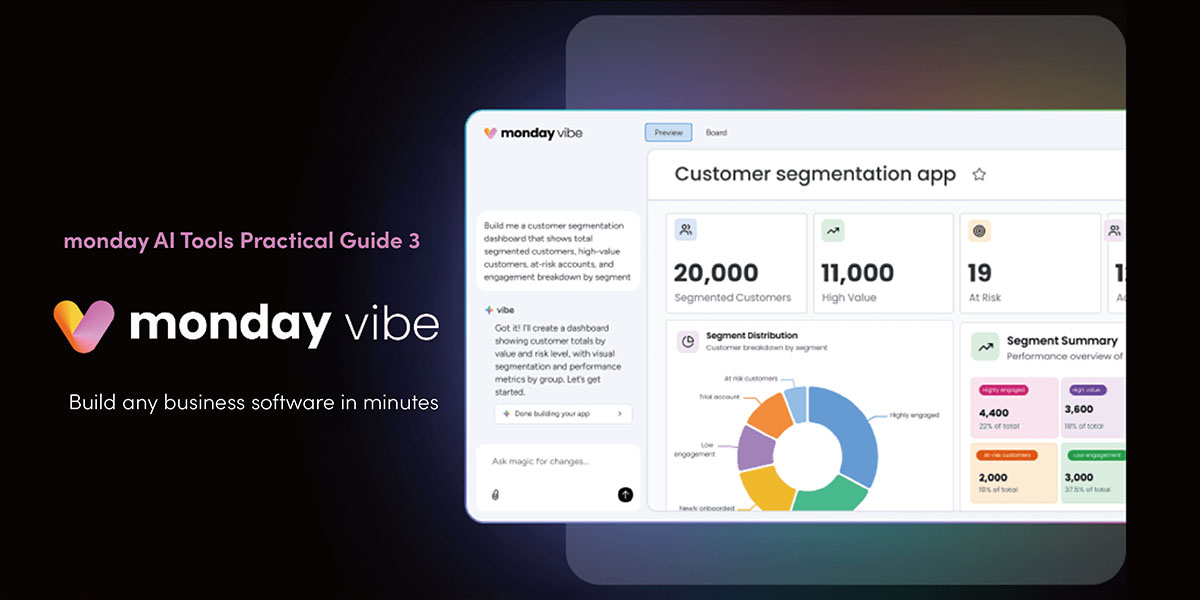
monday Vibe: Transform your ideas into fully functional business apps – no coding required.
monday AI Tools Practical Guide Part 2
Turn your ideas into working apps with monday Vibe!
Need custom apps but don’t have programming skills? monday Vibe lets you build professional applications with simple text prompts and a few clicks.
monday Vibe is an AI-powered, no-code app builder that generates everything from dashboards and forms to custom interfaces. This isn’t just another feature—it’s monday.com’s breakthrough in work automation.
What is monday Vibe? Any app you can describe in words, you can build.
Vibe coding means describing what you want in plain text—the AI handles the rest.
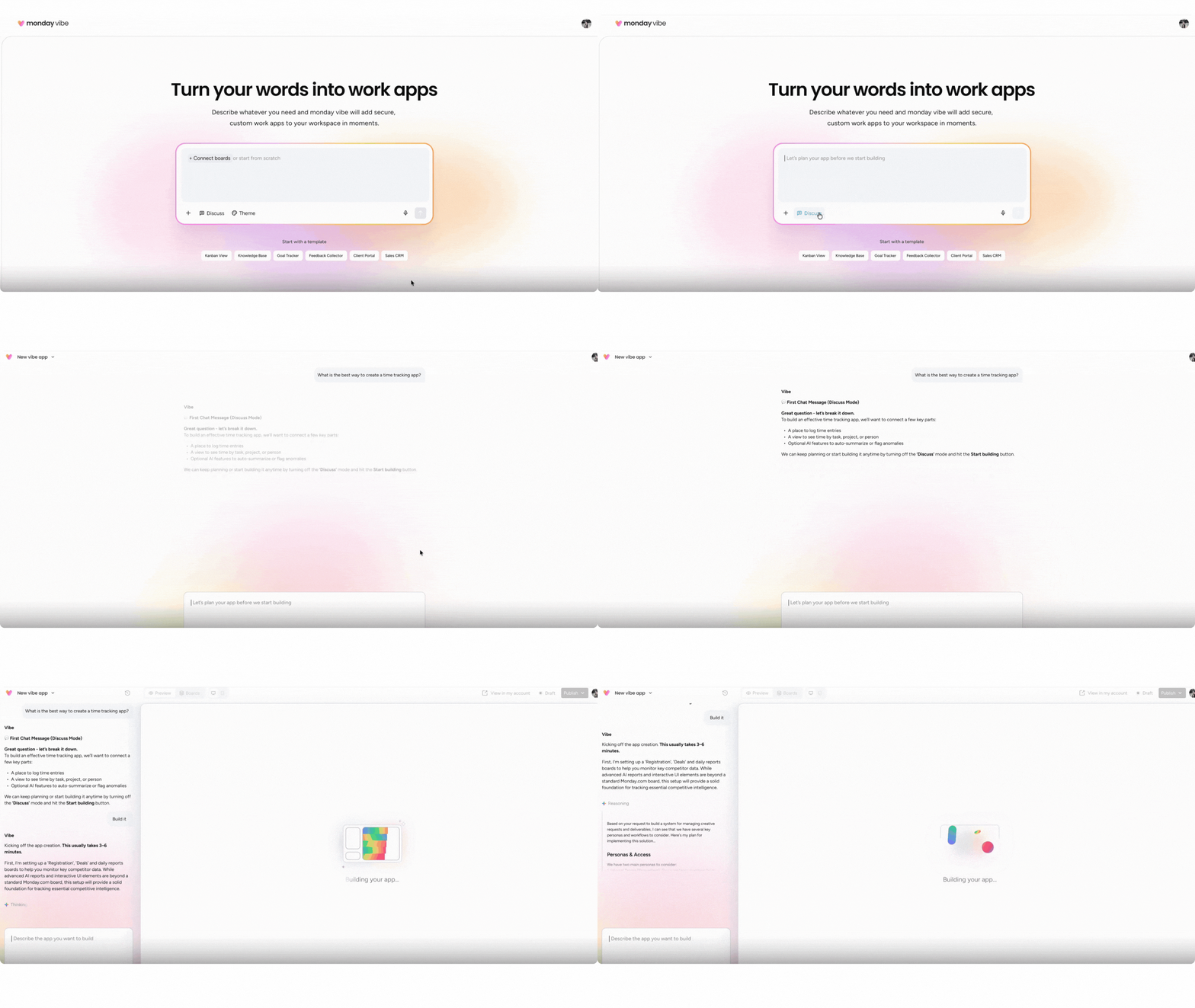
Example prompt:
“I’m a marketing manager. Build a time-tracking dashboard for my 25 team members to log hours. I want to see real-time totals for everyone. Use a dark, high-tech interface.”
Click “Build it” and preview your custom app instantly. Refine with follow-up prompts like:
- “Switch to light theme”
- “Add a line chart”
- “Pull data from these five boards”
monday Magic vs. monday Vibe
- monday Magic builds workflows using monday.com’s existing charts, widgets, and components
- monday Vibe creates fully custom apps with your preferred style, layout, and presentation
Technical Highlights
- Multi-board integration: Pulls data from up to 5 boards simultaneously
- Real-time preview & editing: See changes instantly; modify via chat commands
- AI enhancements: Add “use AI” to enable data aggregation, search, and auto-content generation
- Free drafting: Unlimited drafts at no cost; billing starts only when published
- Enterprise security: Follows your monday.com access controls and permissions
App Types You Can Build
- Team project dashboards
- Cross-departmental reports
- Custom forms & workflows
- Time-tracking interfaces
- Competitive analysis tools
- Social media content generators
- Real-time KPI trackers
monday Vibe Usage Tips
Optimal prompt structure:
- What to create (e.g., performance dashboard)
- Who it’s for (e.g., HR team)
- Functions needed (e.g., goal tracking, achievement rates)
- Appearance (e.g., dark theme)
Upload support:
Add briefs, sketches, or design drafts—AI incorporates them into your app.
Getting Started – 3 Easy Ways
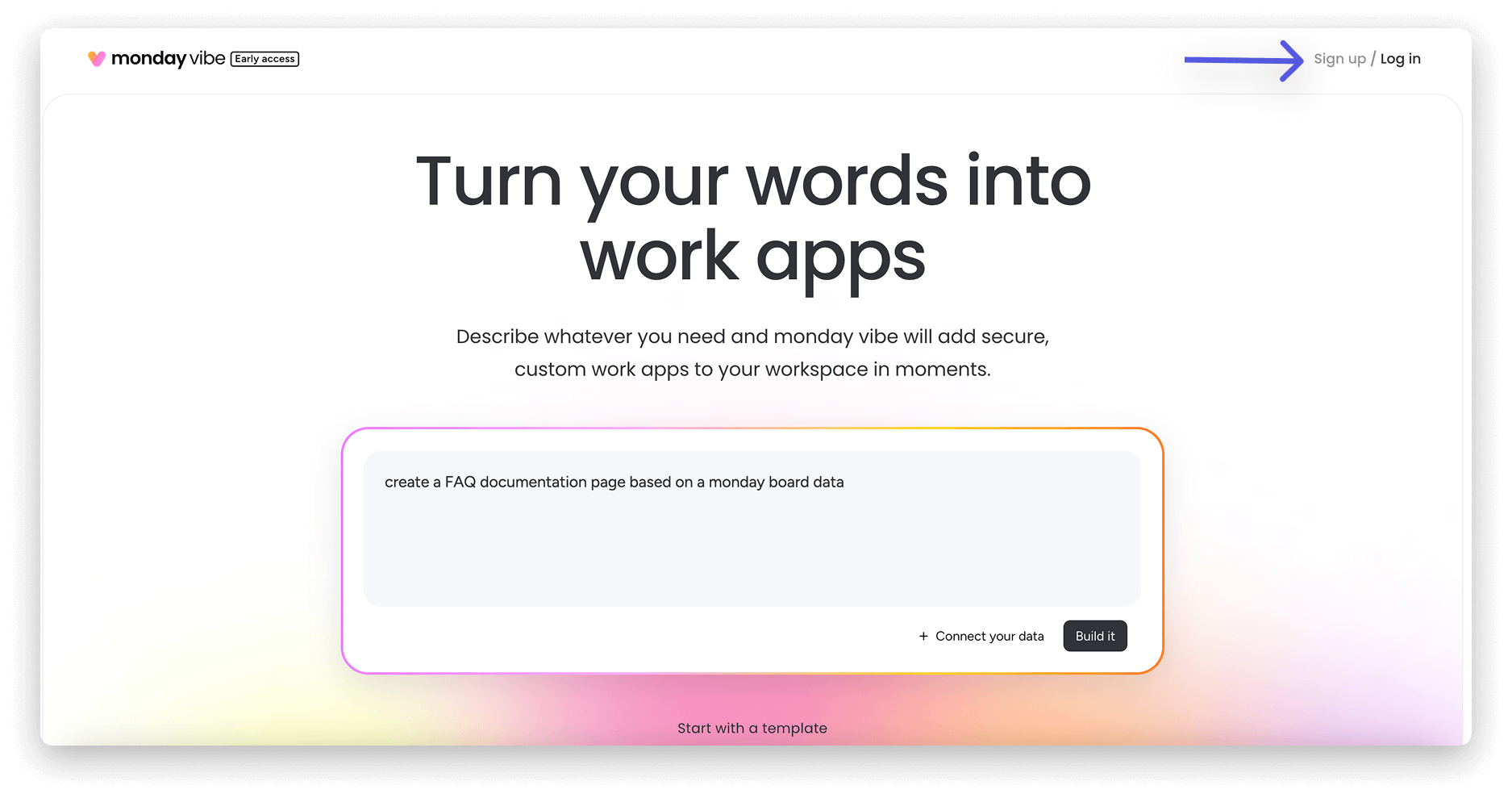
- Visit monday Vibe and log in
- Click the Vibe icon (top-right corner of monday.com)
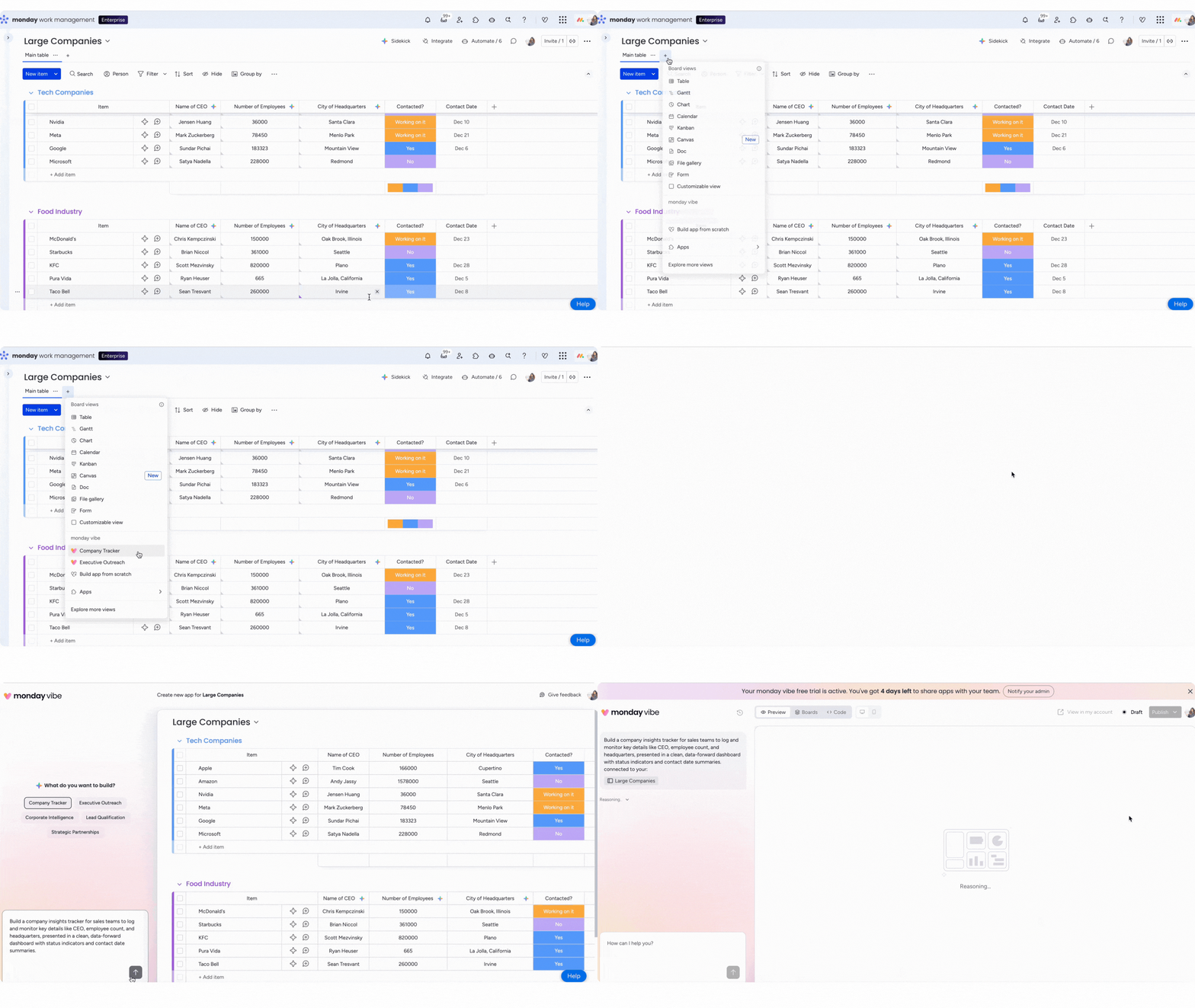
- Add as a board view or access via left panel
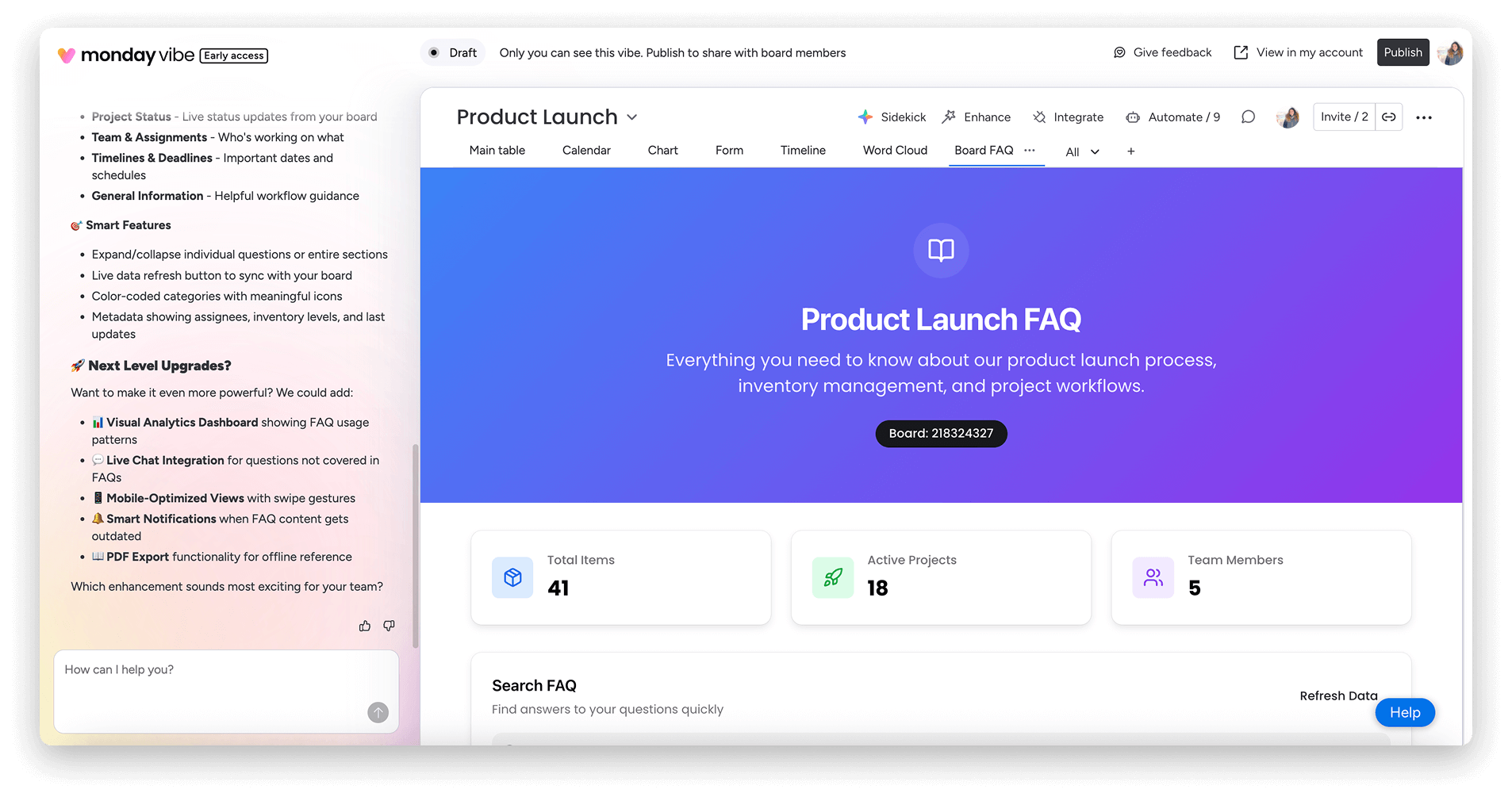
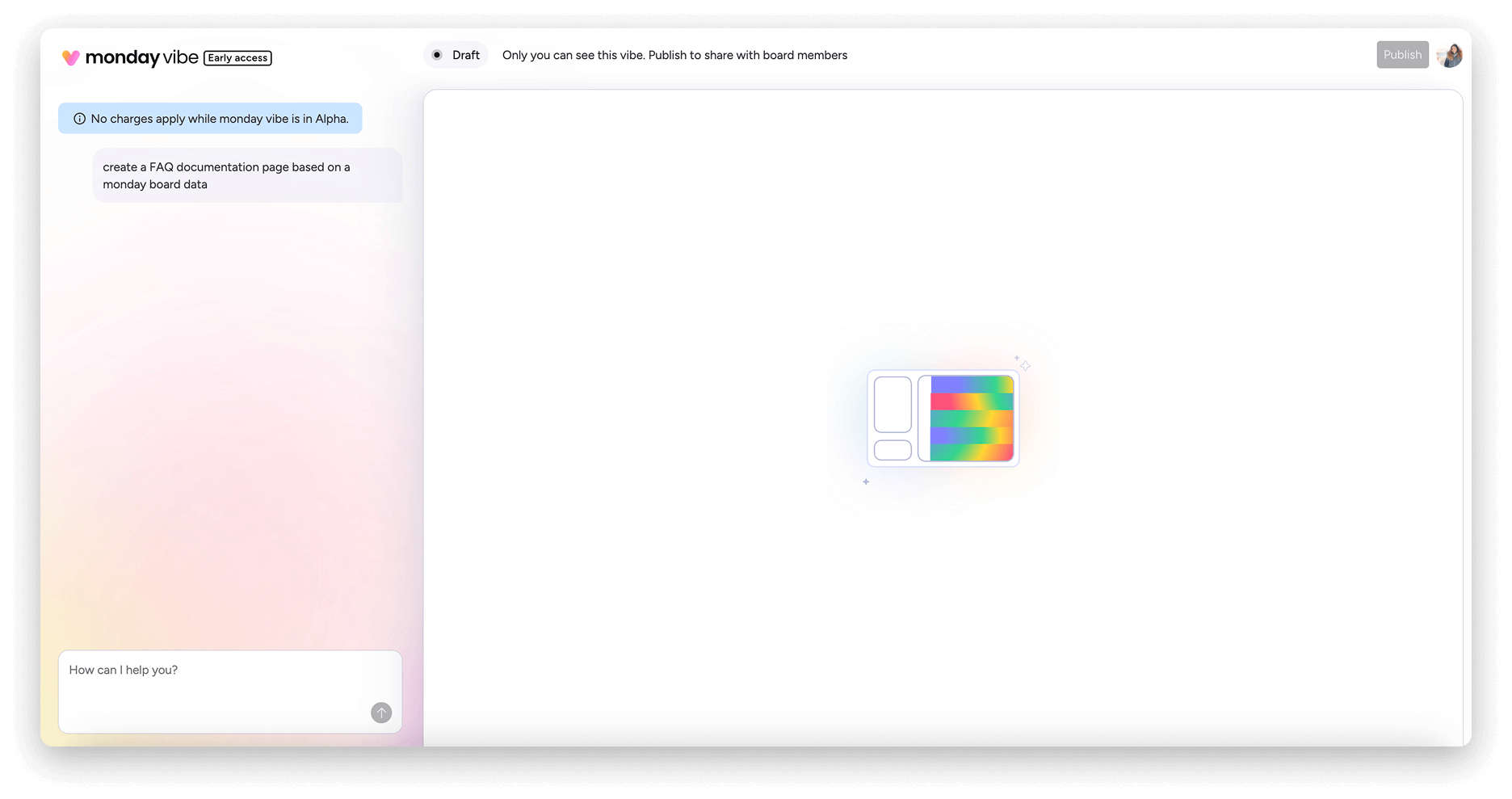
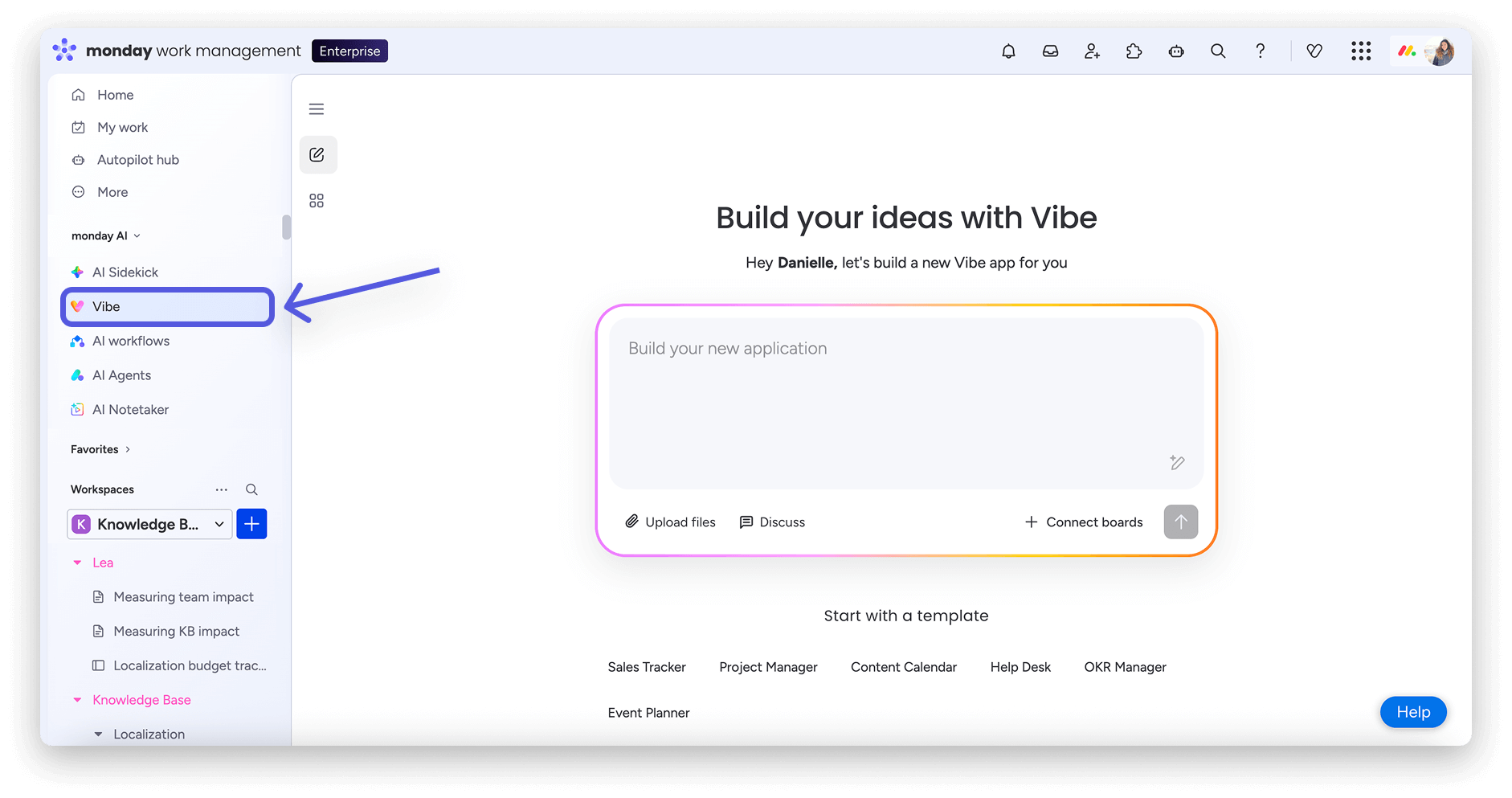
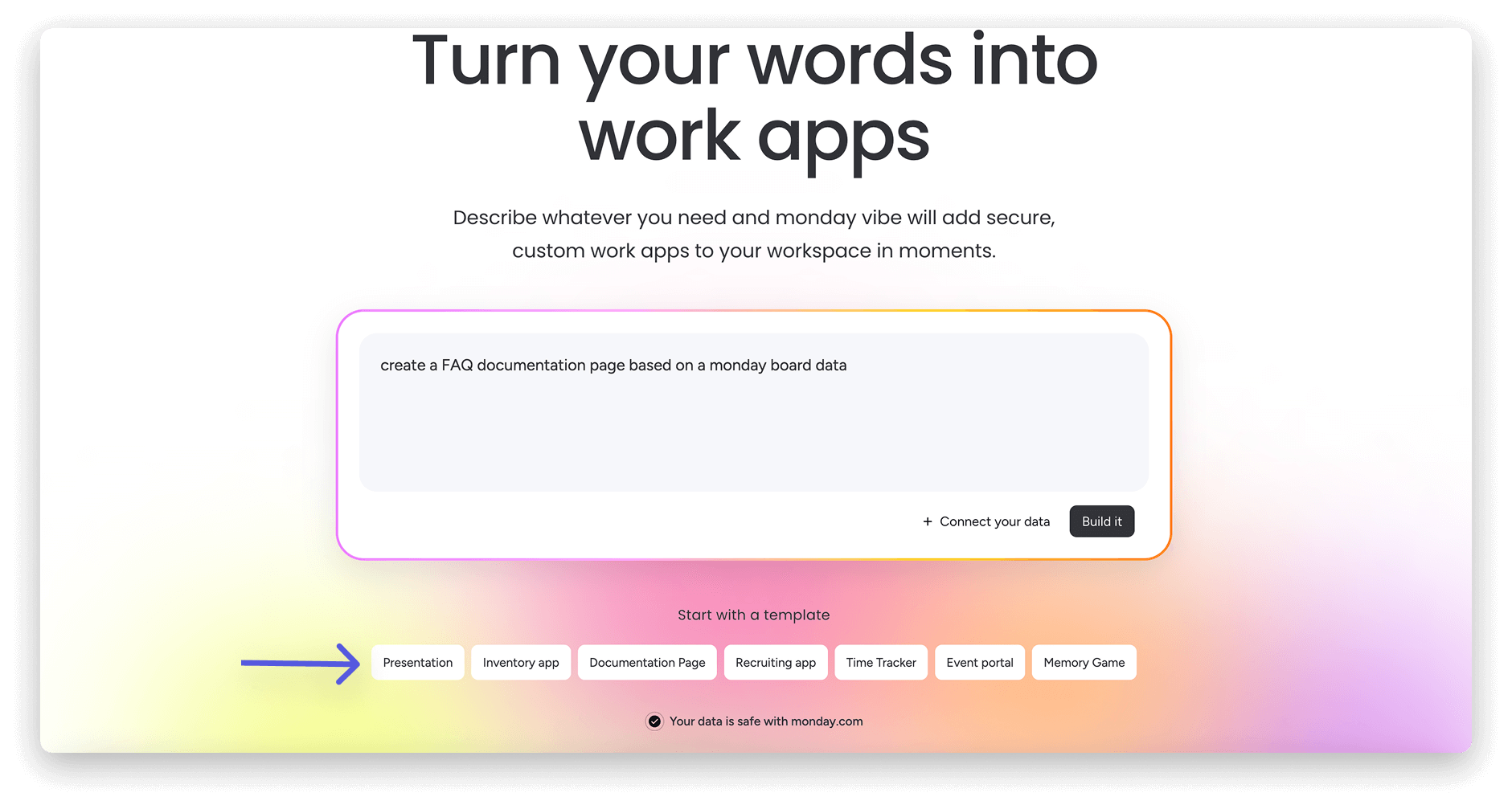
Enter commands in any language (Chinese supported) or use preset templates. AI generates your app instantly. Refine with simple instructions, preview, then publish.
No coding, UI/UX expertise, or development team required. Just describe your idea—monday Vibe makes it real.
Note: Features subject to your monday.com subscription. Advanced capabilities may incur future charges.
Currently, only paid monday.com accounts can create and publish the monday Vibe App (trial accounts can create apps, but cannot publish them; free accounts cannot create apps).
※ monday Vibe is subject to the limitations of your monday.com subscription version; some features may incur charges in the future.
For any questions about AI features, feel free to contact us at +852 2572 7228.