
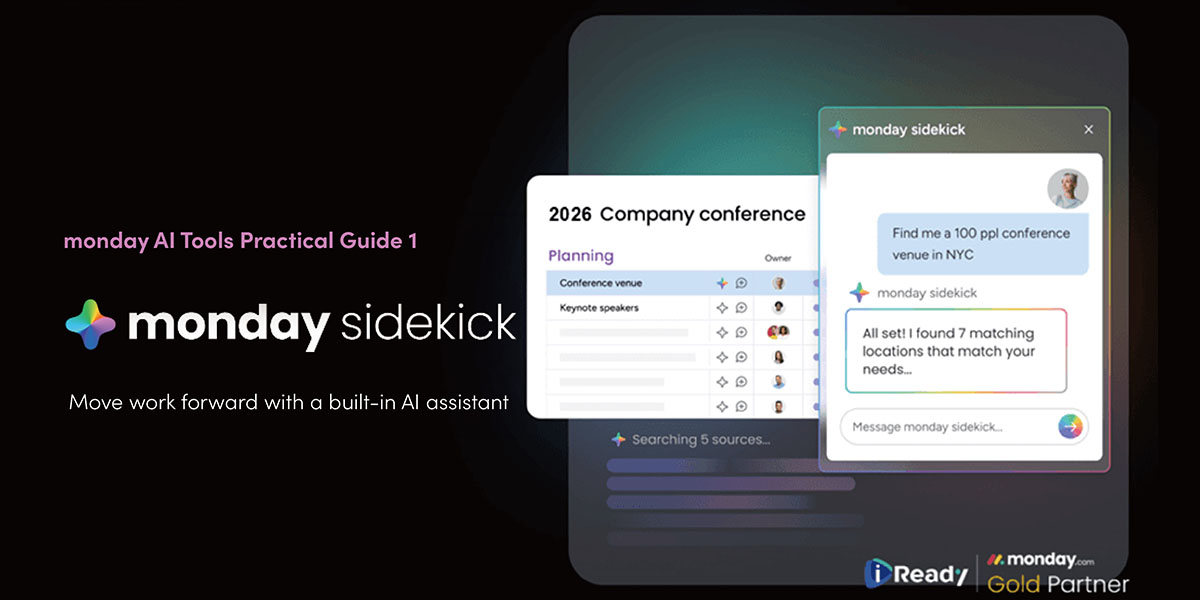
monday Sidekick: Your AI assistant, always ready when you need it.
monday AI Tools Practical Guide: Part 1
Summon Your Smart Assistant: Get to Know monday Sidekick
Have you ever scrambled to compile information right before a meeting? Or struggled to create clear, concise work progress reports efficiently?
monday Sidekick eliminates the need to handle every tedious task alone.
monday Sidekick is monday.com’s newest AI-powered tool, seamlessly integrated into the platform. It saves you typing time, organizes your work, offers intelligent suggestions, and even helps craft update responses.
Think of it as your personal AI coworker, always available directly on your boards:
- Automatically generate task reports, update notes, or briefing text.
- Assist in writing concise and logical work records.
- Polish sentences, correct grammar, and enhance professionalism.
- Provide suggestions or ideas for draft content based on the context.
Complete all your writing tasks without leaving your workflow or opening additional tools.
How monday Sidekick Works
Built on monday.com’s advanced AI language models, Sidekick dynamically connects with your task content and context. It’s not just a text editor—it’s an intelligent assistant that truly “understands context.”
Enter a command or select a function, and Sidekick generates tailored suggestions based on your actual project content. Through real-time AI processing, it completes tasks that once took minutes in just seconds.
In other words, it’s your AI that automates repetitive manual work. Once activated (via simple instructions), you’ll never need to manually update progress, @mention colleagues, or send Slack messages again.
Sidekick supports multilingual input and works directly in text fields like Update bars, discussion threads, and notes.
Who Benefits Most from monday Sidekick?
Perfect for professionals who:
- Project managers frequently writing reports
- Collaborators wanting clearer, more concise task updates
- Customer service/sales teams aiming to boost response efficiency
- Marketing/design teams needing brand-aligned documents, plans, and visuals
Sidekick helps you process tasks quickly, communicate clearly, and maintain professional records within your workflow.
Getting Started
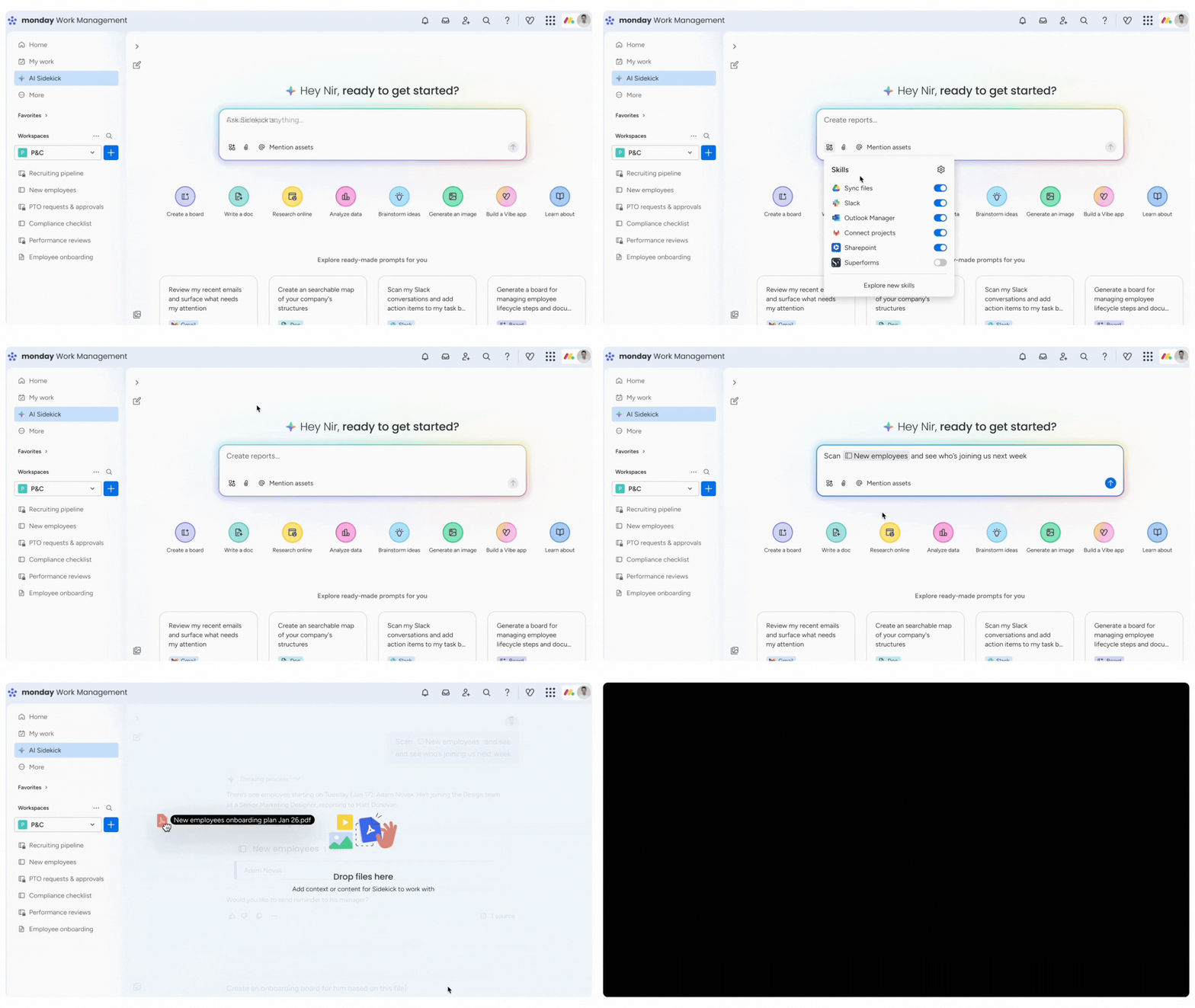
On any board, locate the star-shaped Sidekick icon
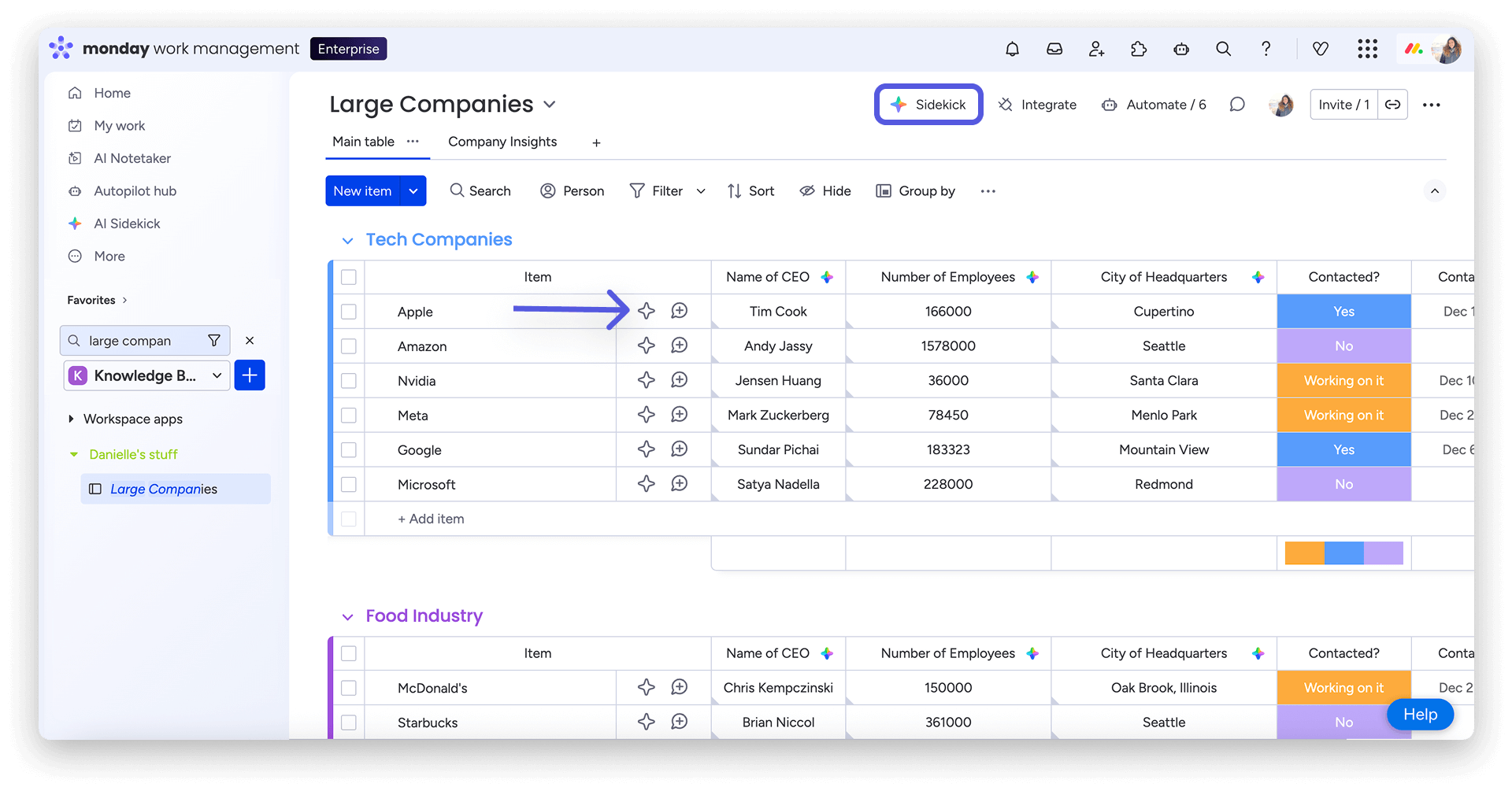
Click it and type your request (or select from common prompts)
Sidekick instantly begins processing your task
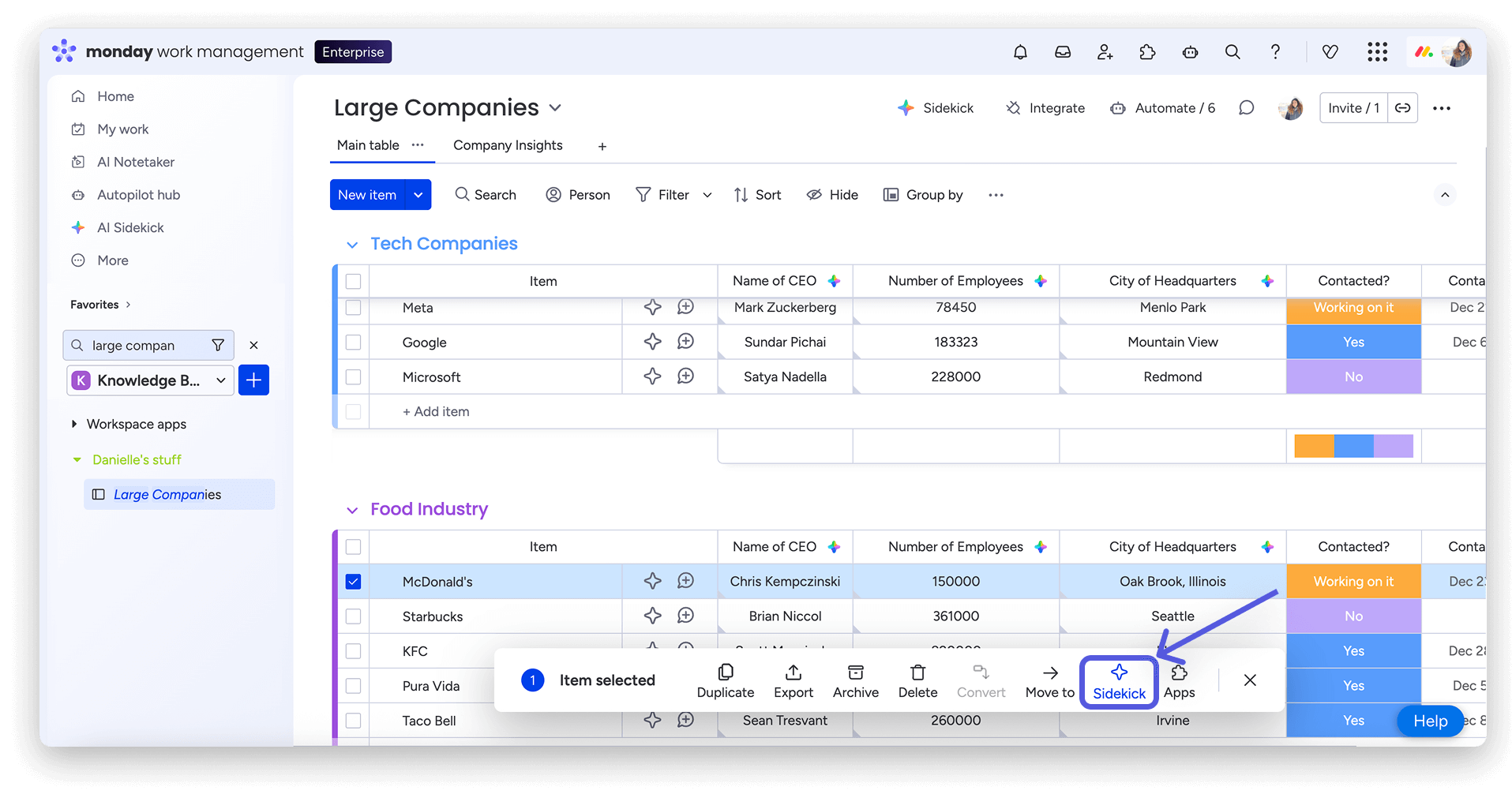
You can also apply Sidekick to specific projects by checking the box next to them.
Note: AI assistant features depend on your monday.com subscription plan. Some advanced capabilities may incur additional charges in the future.
For any questions about AI features, feel free to contact us at +852 2572 7228.